



Blog
Understanding Browser Privacy Settings
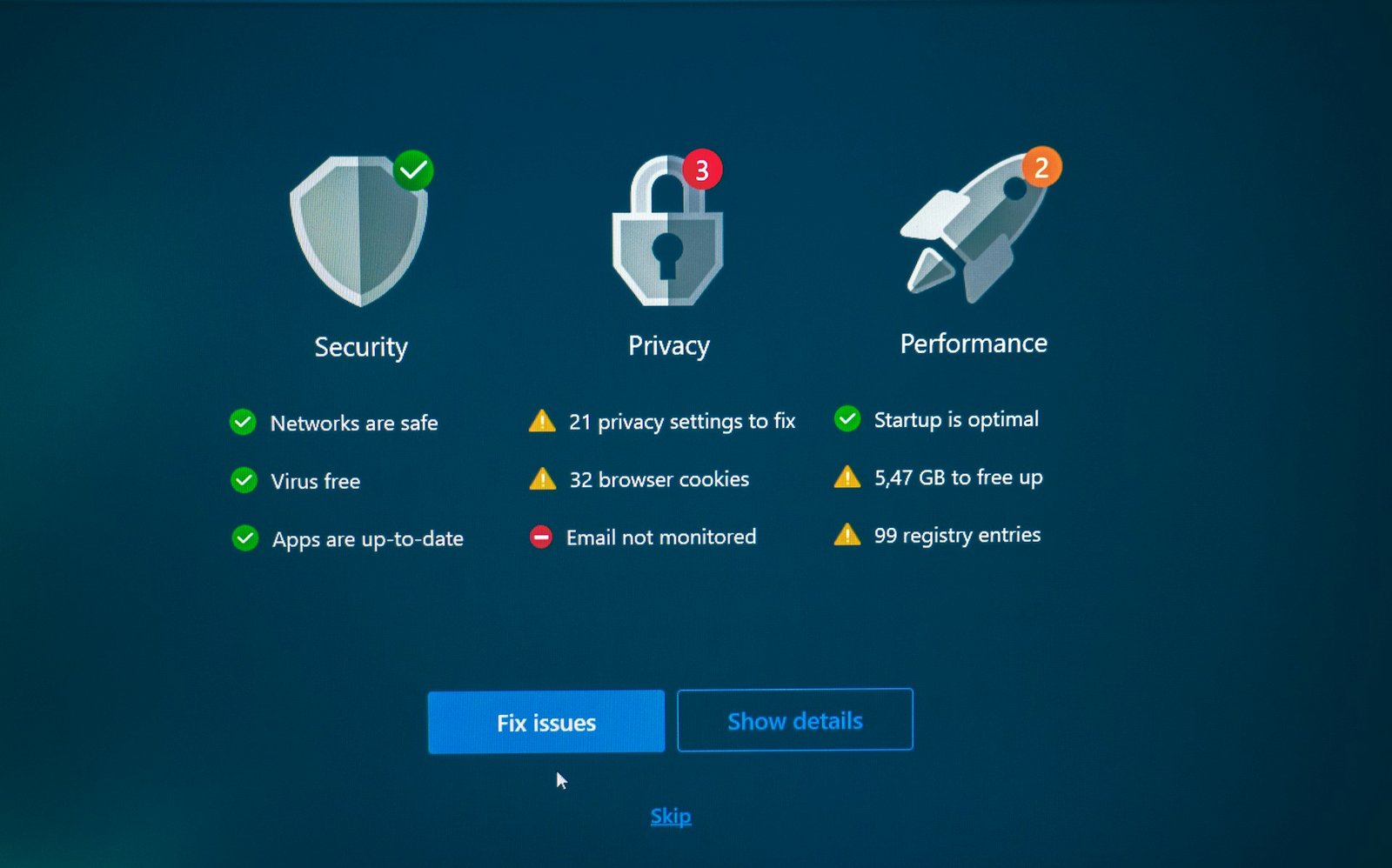
Modern web browsers include a variety of privacy controls that help users manage how their information is collected online. While the default settings are designed for convenience, they may allow websites to store cookies, track browsing activity, or collect usage data. Reviewing these settings is a simple way to improve your online privacy without affecting everyday browsing.
Most browsers allow users to block third-party cookies, manage site permissions, and control location, camera, and microphone access. Regularly checking these permissions ensures that only trusted websites have access to sensitive features. Many browsers also include built-in tracking protection that can reduce the amount of data shared with advertisers.
It’s also worth reviewing your saved passwords, autofill information, and browsing history from time to time. Removing outdated information and enabling security features such as safe browsing can help protect your accounts and personal data. By taking a few minutes to adjust your browser settings, you can create a more secure and privacy-focused browsing experience.
Remember that privacy settings are not a one-time task. Browsers regularly introduce new features and security improvements, so reviewing your settings after major updates helps ensure your preferences continue to match your expectations.