



Blog
How to Keep Your Software Up to Date Safely
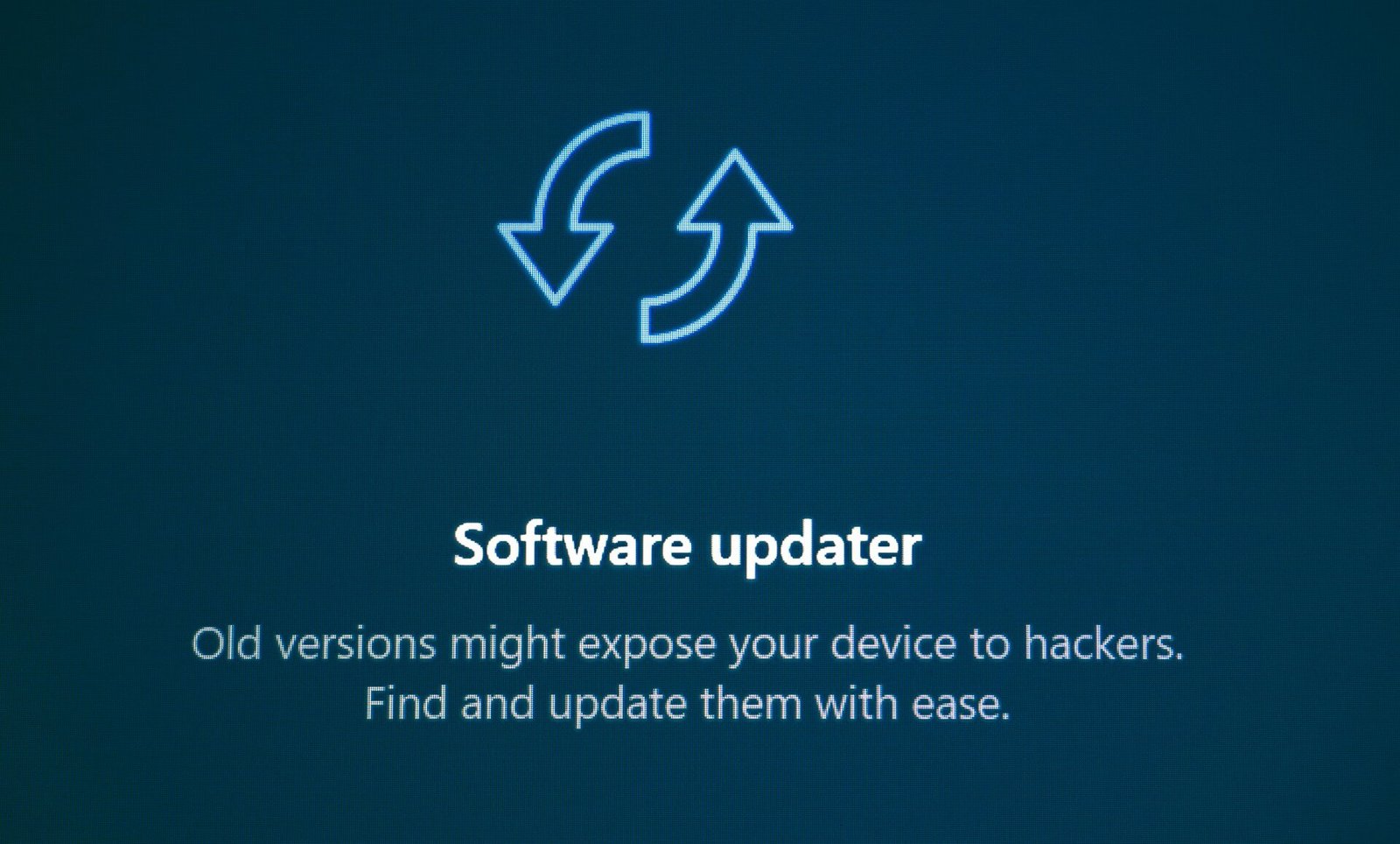
Software updates play an important role in keeping computers, smartphones, and other devices secure. Updates often include security patches, bug fixes, and performance improvements that address newly discovered vulnerabilities. Delaying updates may leave devices exposed to known security risks.
Whenever possible, download updates directly through your device’s built-in update system or from the software developer’s official website. Avoid downloading updates from unknown websites or advertisements, as these may contain modified or malicious software.
Before installing major updates, consider creating a backup of your important files. This provides an extra layer of protection in the unlikely event that an update causes compatibility issues or unexpected problems. Keeping enough storage space available also helps ensure updates install successfully.
By installing updates regularly and using trusted sources, users can improve device security, maintain software stability, and benefit from the latest features while reducing the risk of cyber threats.
Related Posts


Recognizing Secure Websites Before You Sign In

A Beginner’s Guide to Backing Up Important Files

How to Check What Permissions an App Really Needs
Understanding Browser Privacy Settings

Governments, Platforms, and Digital Access
Recent comment on “How to Keep Your Software Up to Date Safely”
Leave a Reply
You must be logged in to post a comment.


Test